850,000 Bitcoin vanished when Mt. Gox collapsed in 2014, and creditors spent more than a decade waiting for partial repayment. Leaving Bitcoin on an exchange means trusting that it won’t happen again.
The five self-custody wallets below cover every user type, from BTC-only maximalists to multi-asset holders who want one app instead of five seed phrases.
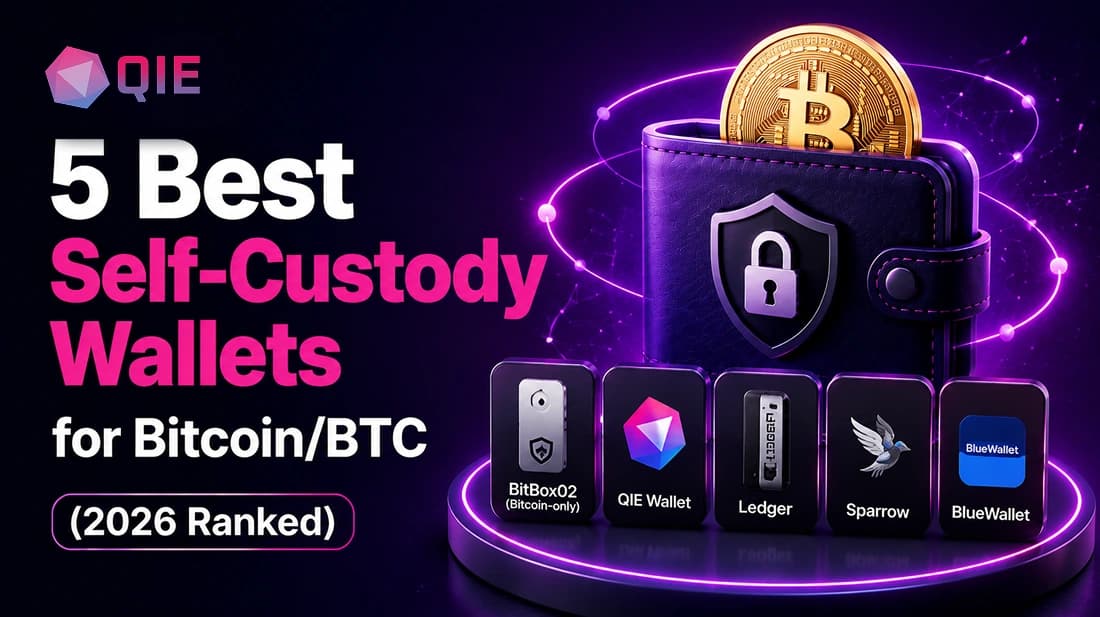
Quick Answer: The 5 Best Self-Custody Bitcoin Wallets
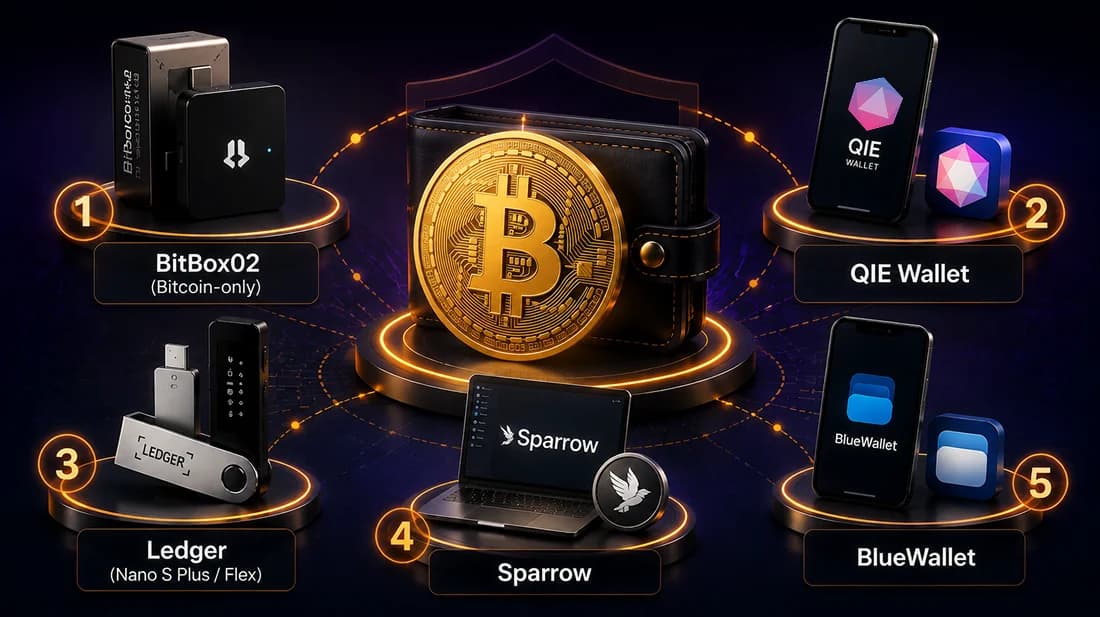
If you just want the shortlist, here it is. All five hold your private keys, not a company’s, and each one fits a different type of Bitcoin holder:
The Shortlist
- BitBox02 (Bitcoin-only): best for maximum hardware security
- QIE Wallet: best for holders who want BTC and other assets in one non-custodial app
- Ledger: best for beginners moving off an exchange for the first time
- Sparrow: best for privacy, UTXO control, and PSBT signing
- BlueWallet: best for everyday Lightning spending on mobile
Why Self-Custody Matters
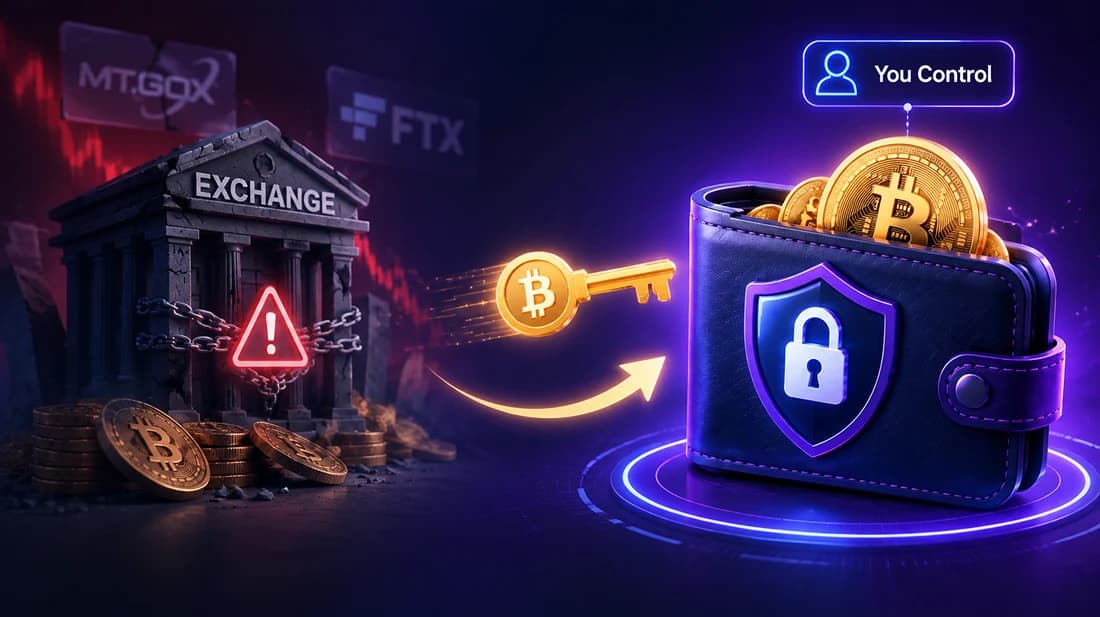
When you hold your own private keys, no exchange collapse can take your Bitcoin. Mt. Gox handled most of the world’s Bitcoin trades before it failed in 2014 with roughly 850,000 coins gone, a figure documented in the Tokyo District Court bankruptcy proceedings and widely reported by Reuters at the time.
Then, in late 2022, the FTX bankruptcy froze more than $8 billion in customer funds, showing that even well-known institutions aren’t immune to mismanagement or fraud. In bankruptcy, exchange depositors have no guaranteed recovery path, and that’s been true every time.
Moving to a self-custody wallet is the only structural fix. You hold the keys; you bear the risk; no intermediary stands between you and your Bitcoin.
How We Evaluated These Wallets
Every wallet on this list is non-custodial. Beyond that, we weighted:
- Security model: how private keys are generated and isolated (hardware security chip, air-gap, or device-only generation)
- Backup and recovery standard: whether the wallet uses the industry-standard BIP-39 12- or 24-word seed phrase
- Ease of setup: realistic time and skill required for a first-time self-custody user
- Fees: wallet cost and any transaction or swap fees
- Multi-asset support: BTC-only or multichain, and whether that fits the reader’s portfolio
The 5 Best Non-Custodial Bitcoin Wallets
1. BitBox02 (Bitcoin-Only Edition)
The BitBox02 Bitcoin-only is built by Shift Cryptosecurity, a Swiss security company, and runs firmware that only supports Bitcoin; nothing else can be loaded onto it, even after a reset. That narrow scope is a deliberate security choice: less code running on the device means less surface area for bugs to hide in.
Best for: Power users who hold BTC only and want a security-first device with fully open-source, independently verifiable firmware.
Pros
- Dual-chip architecture combining a secure element for physical hardening with fully open-source firmware, so the code protecting your Bitcoin can be independently audited rather than taken on trust
- Deterministic builds let you verify that the firmware you’re installing matches the published open-source code exactly
- Built-in coin control (UTXO management), Tor support, and the option to connect your own full node for private balance and transaction checks
- Can generate a seed using your own dice-roll entropy instead of relying solely on the device, for users who want an extra layer of verifiable randomness
Cons: No multisig support on the BitBox02 generation. If multisig is a requirement, Sparrow paired with a multisig-capable device is the better route. Touch-based gesture controls (tap, swipe, hold) instead of physical buttons take a little getting used to for anyone coming from a button-driven device. BTC-only edition means no multi-asset support by design.
BTC-only or multichain: BTC-only. Recovery standard: BIP-39 (12 or 24 words).
2. QIE Wallet
QIE Wallet is a non-custodial crypto wallet that generates your private key on-device and backs everything up with a single 12-word BIP-39 phrase. Native BTC support means you hold actual Bitcoin; the wallet holds no wrapped or synthetic substitute.
Where it differs from a BTC-only device is scope. As a multichain web3 wallet app supporting BTC alongside Ethereum, Solana, XRP, Tron, and other major chains, users who hold BTC plus other assets manage everything under one seed phrase and one identity.
The built-in crypto swap and network-adding features let you move between assets without leaving the app. Every user also gets a free QIE ID, a human-readable payment address that replaces the long alphanumeric string you’d otherwise copy-paste.
Best for: Multi-asset holders who want one app and one seed phrase instead of separate wallets for each chain.
Pros
- Device-generated private key, BIP-39 recovery
- Native support for BTC alongside Ethereum, Solana, XRP, Tron, and other EVM chains, so multiple assets live under one seed phrase
- QIE Pass carries your verified identity across partner services with one-click reuse, eliminating repeated verification
- QIE ID, a human-readable payment address for easy identification, with automatic routing to the correct chain so you can’t accidentally send to the wrong network
- Available on iOS, Android, and as a Chrome extension, so it’s not locked to one device
Cons: No PSBT, CoinJoin, or granular UTXO control. If those features matter to you, BitBox02 and Sparrow are the right tools regardless of how convenient a multichain app sounds.
BTC-only or multichain: Multichain (native BTC supported). Recovery standard: BIP-39 (12 words).
3. Ledger (Nano S Plus / Flex)
Ledger increasingly describes its devices as hardware signers rather than hardware wallets, because the device doesn’t store coins. Bitcoin, Ethereum, Solana, tokens, and NFTs live on their respective blockchains; the Ledger device protects the keys that control them.
Best for: Beginners moving BTC off an exchange for the first time, or users who hold BTC alongside other assets and want a unified interface for buying, swapping, and staking.
Pros
- Ledger devices support a broad range of assets, making them practical for diverse portfolios
- The companion app covers portfolio viewing, app installation, sending and receiving, staking, token swaps, and DeFi connections across Windows, Mac, Linux, Android, and iOS
- Setup and firmware authenticity verification are designed to walk first-time users through each step rather than assuming prior experience
Cons: The physical hardware requirement creates a barrier for mobile-first users. The optional Ledger Recover feature, which ties seed recovery to identity checks, has drawn criticism from self-custody purists who prefer zero third-party involvement.
BTC-only or multichain: Multichain. Recovery standard: BIP-39 (24 words).
4. Sparrow
Sparrow is a Bitcoin-only desktop wallet built for users who care about control, privacy, and transparency. Think of it as a cockpit rather than a car dashboard: every dial is visible, and that’s the point.
Best for: Intermediate-to-advanced users who want UTXO-level control, CoinJoin privacy, or a PSBT coordinator for hardware wallets.
Pros
- Designed around PSBTs from day one, making it an excellent companion for hardware wallets, with complete UTXO management: you can see, label, freeze, and manually select every unspent output
- Free, open source, and built by a developer who clearly uses his own software
- Functions as a local blockchain explorer, so you can trace the full transaction graph of any payment without relying on external block explorers that log your IP address
Cons: Not well-suited for complete beginners with no interest in learning how Bitcoin transactions work. The interface rewards understanding, and users who just want to send and receive without thinking about UTXOs will find it overwhelming. Desktop-only.
BTC-only or multichain: BTC-only. Recovery standard: BIP-39 (12 or 24 words).
5. BlueWallet
Launched in 2017, BlueWallet is a non-custodial software wallet built specifically for Bitcoin, with Lightning Network integration, multi-wallet management, and batch transactions.
Best for: Mobile-first users who want to spend BTC day-to-day via Lightning, with a wallet designed for active use rather than long-term storage.
Pros
- Available on iOS and Android, it lets users hold, send, and receive Bitcoin directly with optional Lightning Network support
- Committing entirely to Bitcoin keeps the app lean; sending and receiving BTC is straightforward and transaction fees are transparent, without the complexity that often overwhelms multi-asset apps
- Open-source and free, with watch-only wallet support for cold storage monitoring
Cons: Lightning can be custodial by default unless you self-host, which introduces a different trust model than on-chain self-custody. No support for ETH, SOL, or any altcoin.
BTC-only or multichain: BTC-only. Recovery standard: BIP-39 (12 words).
Self-Custody Bitcoin Wallets Compared
| Wallet | Type | Best for | Multichain? | Recovery standard | Key security model | Lightning support |
|---|---|---|---|---|---|---|
| BitBox02 (Bitcoin-only) | Hardware | BTC maximalists, power users | No | BIP-39, 12/24 words | Secure element + open-source, deterministic firmware | No |
| QIE Wallet | Mobile / Extension software | Multi-asset, one-id crypto login | Yes (multichain) | BIP-39, 12 words | Software, device-generated keys | No |
| Ledger (Nano S Plus / Flex) | Hardware | Beginners, multi-asset holders | Yes | BIP-39, 24 words | Secure element (single) | Optional (via app) |
| Sparrow | Desktop software | Privacy, UTXO control, PSBT | No | BIP-39, 12/24 words | Software, open-source | Optional (via Lightning node) |
| BlueWallet | Mobile software | Lightning spending, mobile UX | No | BIP-39, 12 words | Software, open-source | Yes |
Which Wallet Should You Choose?
The right wallet depends on what you’re actually trying to solve, not which one has the longest feature list.
BTC Maximalist Wanting Maximum Security
Verdict: BitBox02 (Bitcoin-only) + Sparrow
If Bitcoin is your only holding and you want a security-first device with fully auditable, open-source firmware, BitBox02 is the honest answer. Pair it with Sparrow as the desktop coordinator and you get UTXO-level control, CoinJoin access, and a PSBT-native workflow.
The one gap: BitBox02 doesn’t support multisig, so if that’s a hard requirement, look at a multisig-capable hardware wallet alongside Sparrow’s coordinator instead.
Multi-Asset Holder Who Wants One App
Verdict: QIE Wallet
Managing BTC in BitBox02, ETH in MetaMask, and SOL in Phantom means multiple seed phrases and a fresh KYC flow every time you connect to a new exchange. QIE Wallet removes that friction directly: one 12-word seed phrase covers BTC alongside Ethereum, Solana, XRP, Tron, and other major chains, and QIE Pass lets you verify your identity once and reuse it across partner exchanges and dApps instead of repeating KYC.
Your QIE ID also replaces long wallet addresses with a single human-readable identifier that auto-routes payments to the right chain, so there’s no copy-pasting a 42-character string and hoping you picked correctly.
The honest trade-off: you give up PSBT and CoinJoin. If those matter to you, you’re in the BitBox02/Sparrow camp regardless.
Beginner Moving BTC Off an Exchange for the First Time
Verdict: Ledger (or BlueWallet for Lightning spending)
Ledger’s hardware security model is strong, and the Ledger Live ecosystem makes first-time setup approachable. If you mostly want to hold and occasionally spend small amounts via Lightning, BlueWallet handles everyday BTC use without requiring hardware.
Run this check on your own setup before committing: if your portfolio already spans multiple chains and you need daily DeFi access, paying extra for a dedicated BTC hardware wallet as your only tool rarely makes sense.
The reverse is also true. Using a multichain mobile wallet as your sole BTC storage when you hold a significant amount is the decision most people regret once they understand the threat model.
Conclusion
There’s no single "best" self-custody Bitcoin wallet. There’s a best wallet for what you’re actually trying to protect. A BTC-only maximalist and a multi-chain holder juggling five assets need genuinely different tools, and picking based on hype rather than your own portfolio and threat model is how people end up under-protected or overpaying for security they don’t need.
Key Takeaways
- Holding your own private keys is the only protection that survives an exchange collapse; every wallet here keeps your keys off third-party servers
- BitBox02 paired with Sparrow gives BTC-only holders a deep combination of security, privacy, and transaction-level control, backed by fully open-source, independently verifiable firmware
- Multi-chain portfolios with repeated KYC friction are the specific problem QIE Wallet was built to solve, consolidating BTC, other major assets, and identity into one app and one seed phrase
- BlueWallet turns Bitcoin into a spendable currency through Lightning, but treat it as a spending layer rather than a vault for significant holdings
If you hold BTC alongside other assets and want one self-custody wallet, a single seed phrase, and a portable QIE Pass identity instead of five separate setups, download QIE Wallet and get started in under five minutes.
Frequently Asked Questions
Yes. A self-custody wallet is safer than leaving Bitcoin on an exchange because you hold the private keys and no third-party failure can freeze your funds. The risk shifts to you entirely: lose your seed phrase and there’s no recovery option, so keeping an offline, physical backup is a firm requirement.
A hardware wallet stores your private keys inside a dedicated secure element chip that never connects to the internet and requires physical confirmation for every transaction. A software wallet keeps keys on your phone or computer, which is convenient but exposes them to malware and phishing, making it better suited for amounts you actively use than for long-term storage.
Yes. A multichain wallet like QIE Wallet holds native BTC alongside ETH, SOL, XRP, and other major coins under a single 12-word BIP-39 seed phrase, so you manage everything without juggling multiple apps or recovery phrases.
Sparrow, BlueWallet, and QIE Wallet are all free to download and use. Hardware wallets like BitBox02 and Ledger carry a one-time device cost. All five wallets pass transaction fees straight to the Bitcoin network; the wallet itself earns nothing from your sends.
Your seed phrase is the wallet; the device is just the interface. Enter your phrase into any compatible BIP-39 wallet using the restore option, and your funds are accessible again, even if the original device is gone or the company behind it has shut down.